
We use a small set of cookies to keep you signed in and, with your permission, to personalize recommendations.We use a small set of cookies to keep you signed in and to personalize recommendations. We don't sell your personal information. Learn more in our Cookie Policy

Toka

Create. Share. Learn.

Create a course. Share what you know.

Turn what you know into interactive lessons with videos, flashcards, quizzes, and hands-on practice. Create, teach, and help learners grow.

Free for your family · Three public courses free · Paid plans to teach outside your family

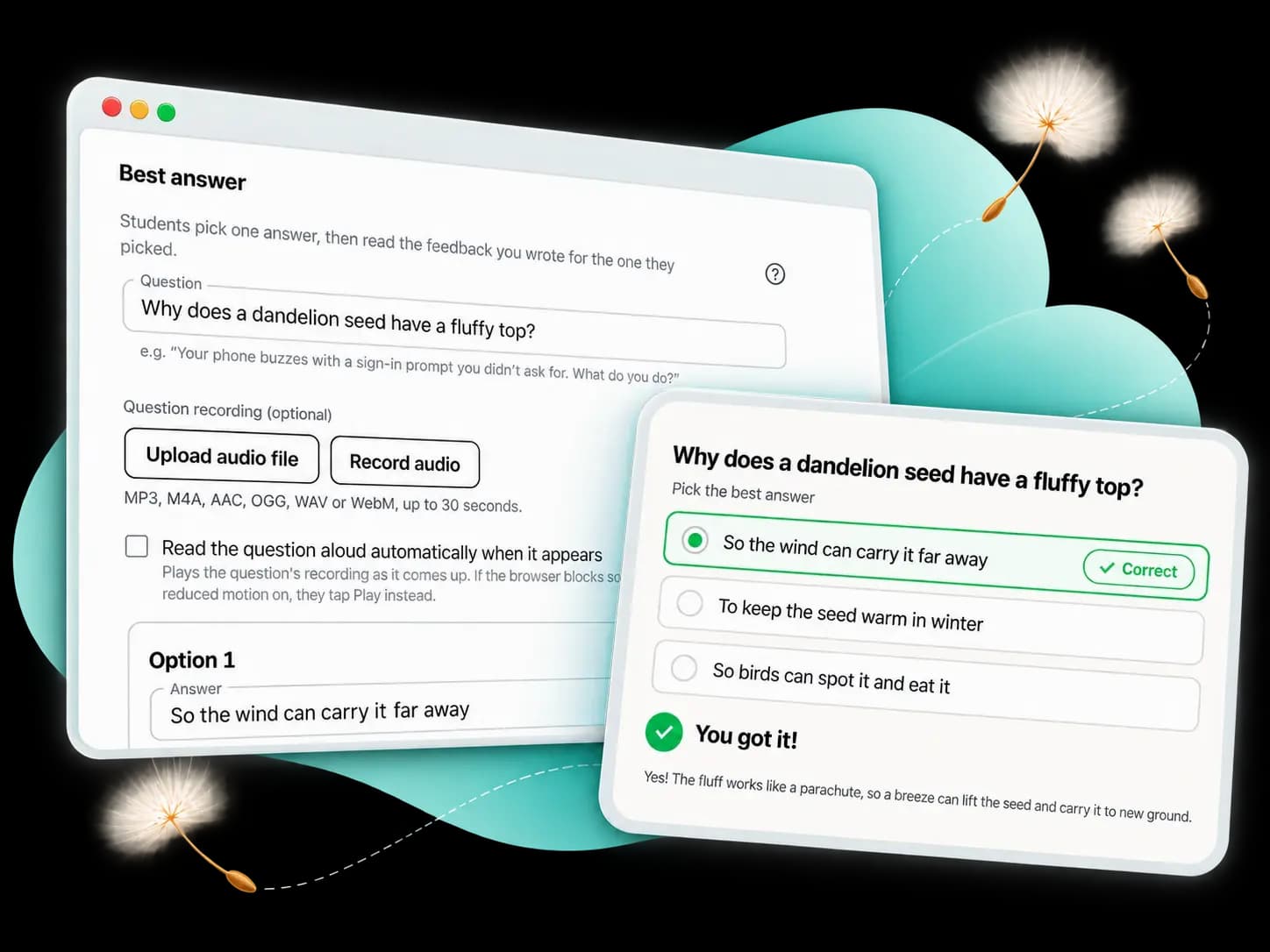
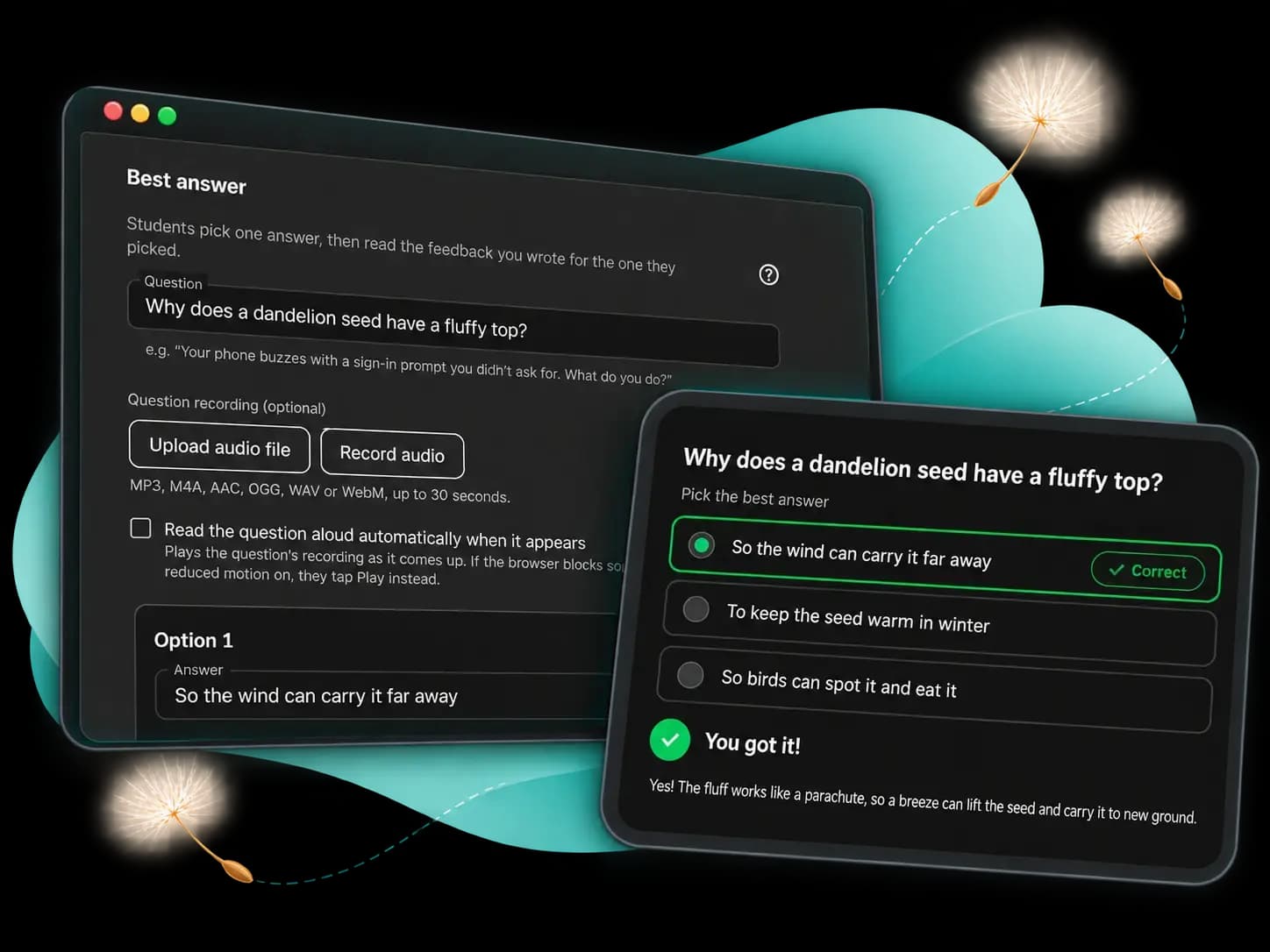
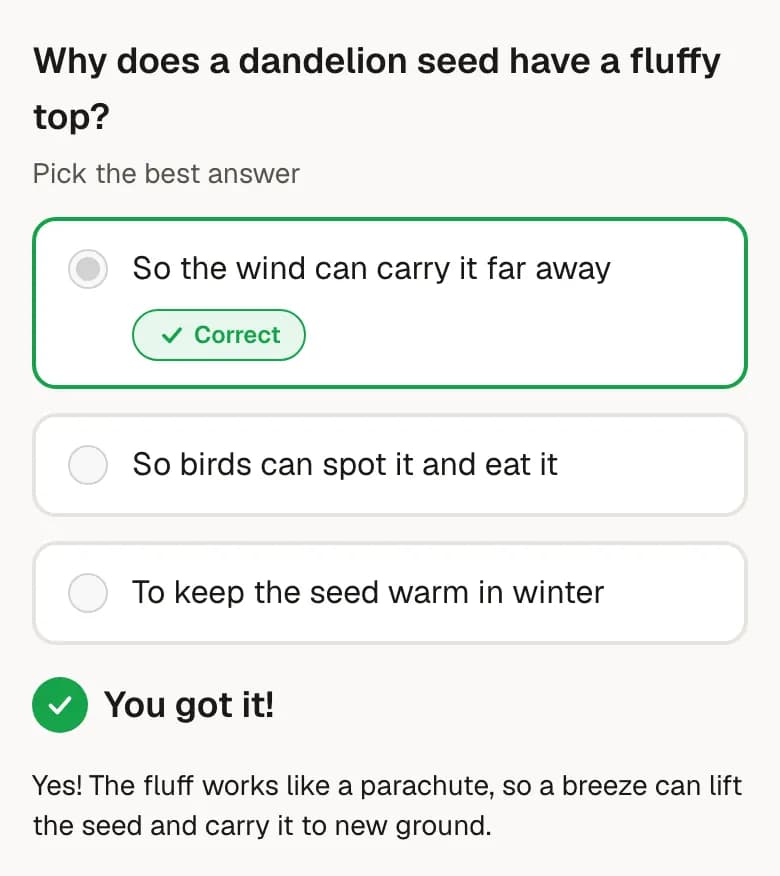
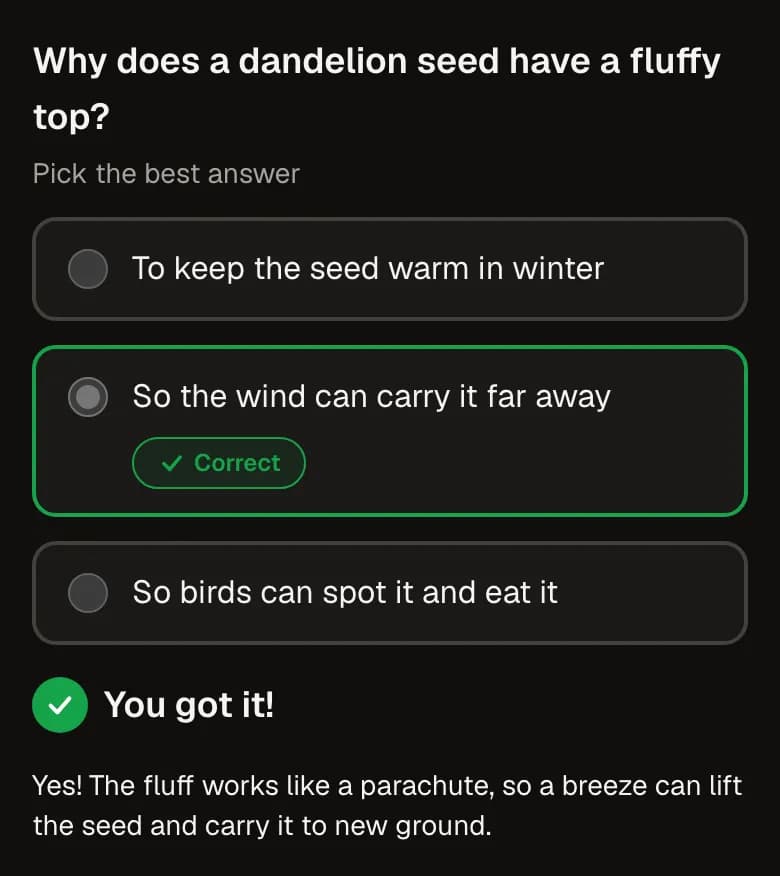
The same lesson’s question as a learner sees it, answered correctly, with the author’s feedbackThe same lesson’s question as a learner sees it, answered correctly, with the author’s feedback

Everything you need to make learning stick

  • Rich lessons

    Video, audio, card decks, stories and printable PDFs

  • Active practice

    Knowledge checks, memory drills and practice games

  • Progress

    Every lesson finished and every check's score

Featured course

See what a Toka course can do

Mandarin Chinese Level 1

By Truman Leung

Mandarin Chinese · Ages 13–18 · 79 lessons

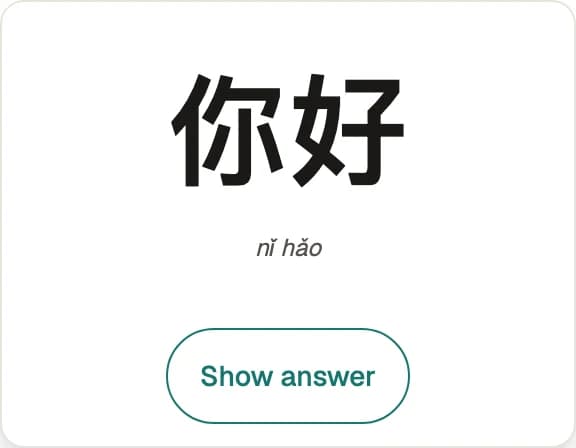
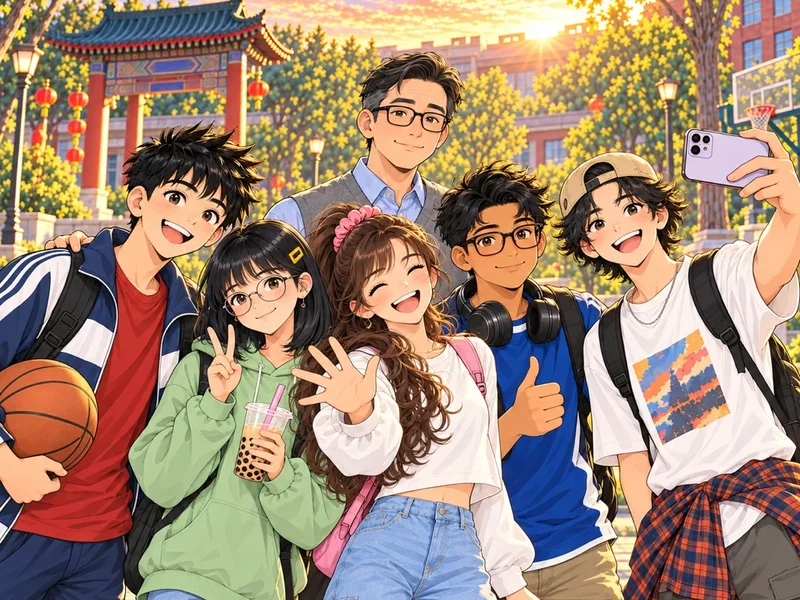
A complete first-year Mandarin course for teens: 79 lessons in 17 units, from your first 你好 to real conversations. Follow Lín, Méi, Ānqí, Wěijié and Tiānmíng through school, family, numbers, food, shopping, weather and getting around Beijing, in comic-strip stories with audio for every line. Each lesson trains your ear and your tones with Tone Detective, sentence building and role-play (plus sound-pair drills in the pinyin bootcamp), and spiral review keeps earlier words coming back.

Example lesson

See a lesson the way students do

This is a real knowledge check, the same one students answer in a course. Pick an answer to see the feedback a student gets.

Authors build it in the course editor in a few minutes: write the question, add the choices, and say why each one is right or wrong.

How creating a course works

How it works

Creator beta

Courses for your family are free to create, and so are three listings in Courses. A moderator approves every course before it reaches anyone outside your family, so publishing a course does not list it.

  1. Draft

    Build lessons from blocks in the course editor. Only you see a draft.

  2. Published for your family

    Publish it and the learners in your own family can take it straight away.

  3. Approved for sharing

    Submit it for review. Once a moderator approves it, you can invite learners outside your family.

  4. Listed in Courses

    List an approved course in Courses, where anyone with a free Toka account can take it.

For creators: start free

Courses for your family are always free, and you can list three in Courses at no cost. Teaching people outside your family by invitation needs a paid creator plan.

For families: part of the school day

Attach a course lesson to a day in the planner, beside the rest of the schoolwork, memory work and chores, and see what each child finished.

For homeschool families

Common questions

The short answers. The rest are on the FAQ.

See all questions →

Your knowledge deserves an audience.

Start a course today. Share it with your family first, then with learners everywhere once a moderator has approved it.

Get started free